I’ll be honest — the first time I strapped on a pair of AR-enabled glasses for a workout, I felt ridiculous. Standing in my living room, trying to squat while little holographic arrows pointed at my knees, I knocked over a plant and nearly tripped over my dog. Classic.
But here’s the thing: three weeks later, my form was better than it had been after two years of regular gym sessions. And I was actually looking forward to working out — which, if you know me, is genuinely shocking.
AR fitness isn’t some gimmick reserved for tech bros with too much money. It’s becoming one of the most practical, results-driven ways to train — whether you’re a complete beginner or someone who’s been grinding at the gym for years. The catch? Most people jump in without understanding the basics, burn out or get confused, and quit before seeing any real progress.
So let me save you that frustration. Here are six AR fitness basics that actually make a difference — learned the hard way, through real use.
1. Start With Calibration — Every Single Time

This is the one step everyone skips, and it’s the reason so many people think AR fitness “doesn’t work.”
Whether you’re using something like the Holofit app on a Meta Quest headset, FitXR, or wearable AR overlays that track your movement via phone camera, calibration is the foundation of everything. If the system doesn’t know where your body is in space, every rep count, form correction, and calorie estimate is going to be off.
The first time I used FitXR, I skipped calibration because I was impatient. The session was a mess — the virtual trainer kept telling me my elbows were too high when they clearly weren’t. I blamed the app. Then I re-read the setup guide, ran the calibration properly, and suddenly the whole experience clicked into place.
Here’s how to calibrate correctly:
- Clear a 6×6 foot space minimum before starting
- Stand exactly where the app tells you to — don’t eyeball it
- Go through the full body scan if prompted (it takes 60 seconds, it’s worth it)
- Re-calibrate if you move your play space or change footwear
Some apps like Arena for Sport and Supernatural do automatic re-calibration mid-session, which is a nice touch. But don’t rely on that. Start right, and the system works with you instead of against you.
2. Don’t Skip the Tutorial — Even If You “Know How to Work Out”
This one stings a little because I definitely skipped the tutorial my first few times.
Here’s the mistake I made: I assumed that because I knew how to do a burpee, I knew how to do an AR-guided burpee. They’re not the same thing. AR fitness platforms have their own rhythm, feedback systems, and movement timing. If you ignore that learning curve, you end up fighting the interface instead of using it.
Platforms like Liteboxer VR and BoxVR have specific punch-timing systems where hitting too early or too late scores you lower — even if your form is physically perfect. Understanding that early means you adapt faster and feel less frustrated.
What the tutorial actually teaches you:
| What It Covers | Why It Matters |
|---|---|
| Interface navigation | So you’re not fumbling mid-workout |
| Movement detection zones | Helps you stay in frame for accurate tracking |
| Rest and pacing cues | Prevents overexertion in your first sessions |
| Feedback interpretation | So you know what “form alert” actually means |
| Progress tracking setup | So your data is consistent from day one |
Give the tutorial 10–15 minutes. You’ll make it back tenfold in better workouts.
3. Use Short Sessions First — Then Build Up
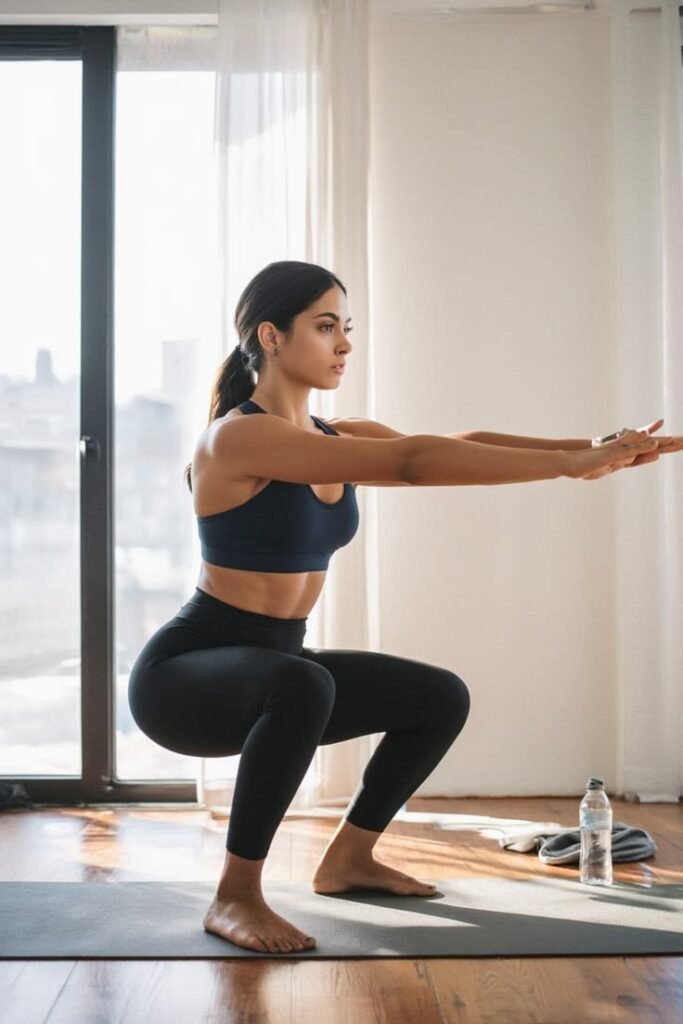
One of the biggest beginner mistakes in AR fitness is going too hard, too fast. And I get it — the immersive experience makes you feel superhuman. You’re dodging virtual obstacles, punching targets, doing squats in a digital forest, and time just disappears. That’s the magic of it.
But here’s the thing nobody warns you about: AR-induced fatigue is real, and it hits differently than regular workout fatigue.
There’s something called cybersickness — a mild nausea or dizziness that some people experience in VR/AR environments, especially when they’re new to it. On top of that, your stabilizing muscles work overtime when you’re reacting to a dynamic visual environment. You’re not just doing squats — you’re doing squats while processing real-time visual information and making micro-adjustments.
I went full 45 minutes my first week and woke up the next morning feeling like I’d been hit by a bus. My shoulders were toast. My eyes were tired. It took me two days to recover.
A smarter progression looks like this:
- Week 1: 15–20 minute sessions, 3x per week
- Week 2: 25–30 minutes, 4x per week
- Week 3: 35–40 minutes, 4–5x per week
- Week 4+: Full sessions based on your fitness goals
If you want to explore more about building sustainable habits with AR tools, 10 Easy AR Fitness Basics Every Beginner Should Know breaks this down really well with some beginner-friendly program ideas.
4. Combine AR With Real Equipment for Faster Gains
Pure AR workout apps are great for motivation, consistency, and form feedback — but if you want faster physical results, you need to pair them with real resistance.
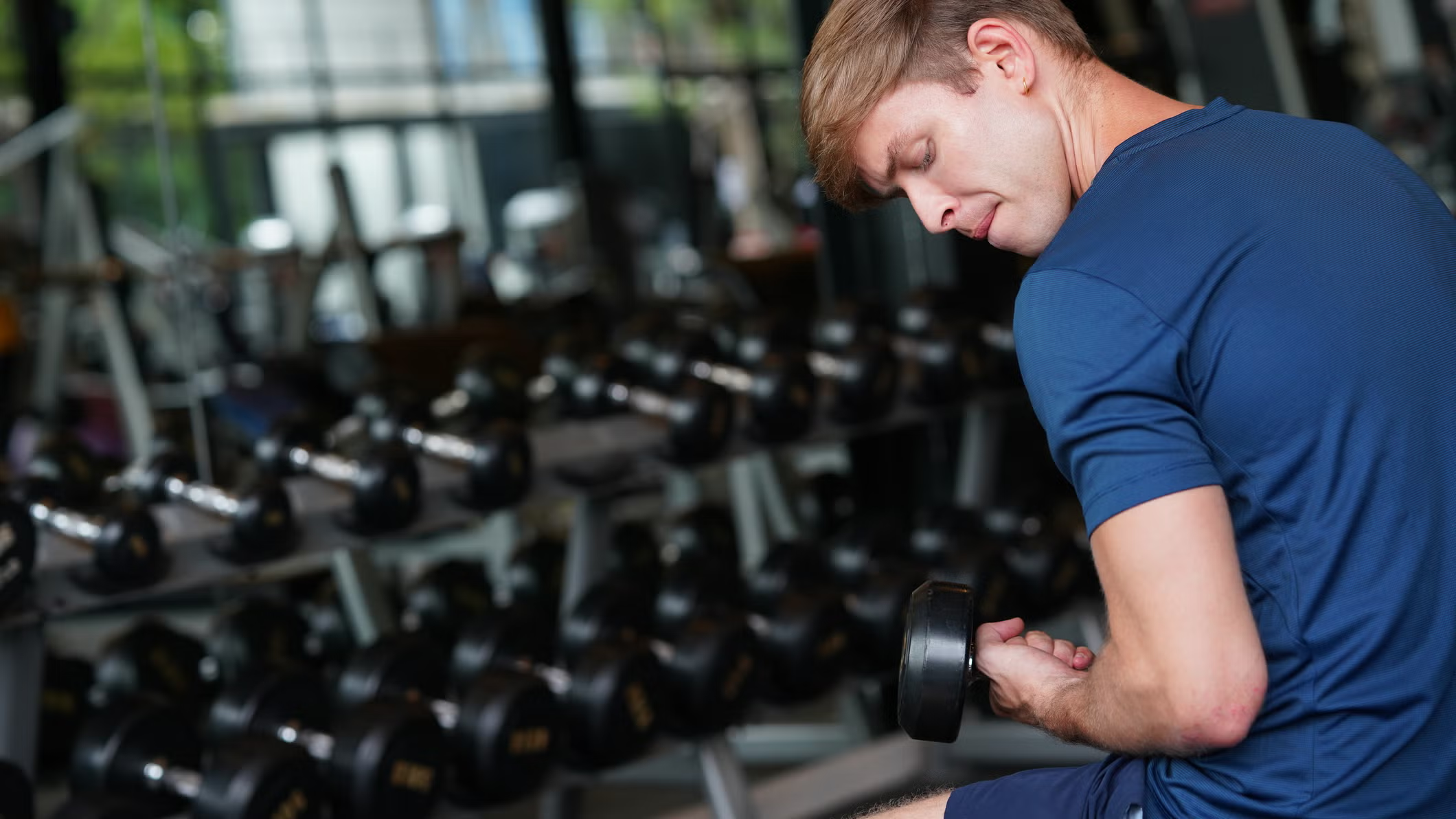
This was honestly a game-changer for me. I started using light dumbbells (5–10 lbs) during my Holofit rowing sessions and added resistance bands during FitXR strength modes. The AR keeps you moving with correct timing and form. The real equipment adds the metabolic stress that actually builds muscle and burns fat.
Some apps are specifically designed for this hybrid approach. Liteboxer pairs with a physical punching platform. Gym Class VR now supports real-world equipment integration. Even apps like Supernatural have added resistance band workouts where you need actual bands to get the full benefit.
Equipment that plays well with AR fitness:
- Resistance bands — Lightweight, no spatial interference with sensors
- Light dumbbells (under 10 lbs) — Great for tone without messing up motion tracking
- Jump rope — Pairs brilliantly with cardio AR sessions
- Yoga mat — Floor-based AR workouts are far more comfortable
- Weighted vest — Advanced option for bodyweight AR circuits
Just avoid anything that blocks your wrists or hands significantly if your app tracks hand movement. Thick gloves, for example, can confuse some systems.
5. Track Your Data — But Don’t Obsess Over It
This is a balance thing, and it took me a while to get right.
AR fitness platforms generate a lot of data — calories burned, reps completed, form scores, reaction time, heart rate (if you pair a wearable), session frequency. It’s genuinely useful. But there’s a trap: if you spend more time analyzing dashboards than actually working out, you’ve lost the plot.
Here’s how I use data smartly without it taking over:
Weekly, not daily. I check my stats once a week — usually Sunday evening. Daily fluctuations in calorie burn or heart rate are normal and usually not meaningful. Weekly trends are where the real insights live.
Form scores over calorie counts. Your AR app’s form feedback is gold. A 92% form accuracy score dropping to 78% tells you something real — maybe you’re fatigued, maybe you’re rushing. Calorie counts, on the other hand, are estimates and can vary wildly.
Pair with a real wearable. Apps like Holofit and VRWorkout integrate with Apple Watch, Garmin, or Fitbit for heart rate data. This gives you a much more accurate picture of effort than in-app estimates alone.
For a deeper look at how AR tools and wearables work together, check out 6 AR Fitness Wearables That Are Transforming How We Work Out — it’s a solid breakdown of what’s actually worth buying.
Data snapshot — what to track vs. what to ignore:
| Worth Tracking | Usually Not Worth Obsessing Over |
|---|---|
| Weekly session frequency | Daily calorie counts |
| Form accuracy scores | Individual rep counts |
| Heart rate zones (with wearable) | In-app “achievement” badges |
| Progressive difficulty levels | Leaderboard rankings (early on) |
| Recovery time trends | Moment-to-moment score fluctuations |
6. Protect Your Body — AR Doesn’t Make You Invincible
I saved this one for last because it’s the most underrated tip, and the one that costs people the most time when they ignore it.
AR fitness is so engaging that your brain genuinely forgets your body has limits. You’re dodging, punching, squatting, jumping — and it all feels like a game. But your knees, shoulders, lower back, and ankles don’t care that you’re having fun. They accumulate stress the same way they do in any other workout.
I strained my left shoulder chasing a high score in BoxVR. Totally my fault — I was punching too hard, too fast, without warming up, because I wanted to top the leaderboard. Two weeks of no training followed. Not worth it.
Injury prevention basics for AR fitness:
Warm up for real. 5–7 minutes of dynamic stretching before you put the headset on. Arm circles, hip hinges, bodyweight squats. Don’t skip this just because the app has a “warm-up mode” — those are rarely sufficient.
Check your real-world environment. Before every single session. Move furniture. Identify walls. Put the dog in another room (seriously). AR makes you spatially unaware in ways regular workouts don’t.
Listen to your joints, not your score. If your knees are aching during a squat session, stop — regardless of where you are in the workout. No leaderboard position is worth a ligament.
Rest days are not optional. Even if you feel fine, your muscles and connective tissue need recovery time. AR fitness is still real exercise.
For more on how to structure safe, effective AR training sessions from scratch, 9 Beginner AR Body Health Secrets to Transform Your Self-Care is worth a read — especially the sections on recovery and pacing.
Common Mistakes That Slow Your Progress
Before wrapping up, here’s a quick reference of the most common AR fitness beginner mistakes — stuff I’ve either done myself or watched others struggle with:
| Mistake | Why It Hurts You | Fix |
|---|---|---|
| Skipping calibration | Inaccurate tracking = bad feedback | Always calibrate before sessions |
| Going too long too soon | Burnout, cybersickness, injury | Start with 15–20 min sessions |
| Ignoring form feedback | Reinforces bad movement patterns | Treat form alerts seriously |
| Not tracking progress | Can’t measure improvement | Log weekly stats |
| Using AR alone for muscle gain | Not enough resistance stimulus | Add light weights or bands |
| No warmup | High injury risk | 5–7 min dynamic warmup every time |
Final Thoughts
AR fitness isn’t magic, but it’s genuinely one of the most effective ways to make working out feel like something you want to do rather than something you have to do. That psychological shift alone changes everything — because consistency is what actually produces results.
The six basics above aren’t complicated. Calibrate properly. Learn the platform. Build up slowly. Add real resistance. Track meaningful data. Protect your body. Do those six things, and you’ll see results faster than you expect — and without the burnout or confusion that most beginners run into.
Give it a real month before you judge it. You might be surprised.