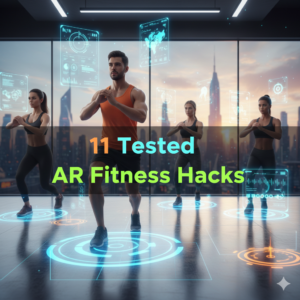
Squatting while avoiding virtual meteors, for example. Or barreling through your neighborhood to pick up digital coins. That’s AR fitness — and it’s reshaping how people exercise.
Augmented reality (AR) fitness combines real-world movement with digital components stacked on top. You still sweat. You still burn calories. But now you have a game, a coach, or some virtual setting driving you harder than before.
The problem? For most, the question is where to begin. The tech sounds complicated. The gear looks expensive. And the setup feels overwhelming.
That’s the very reason this guide exists.
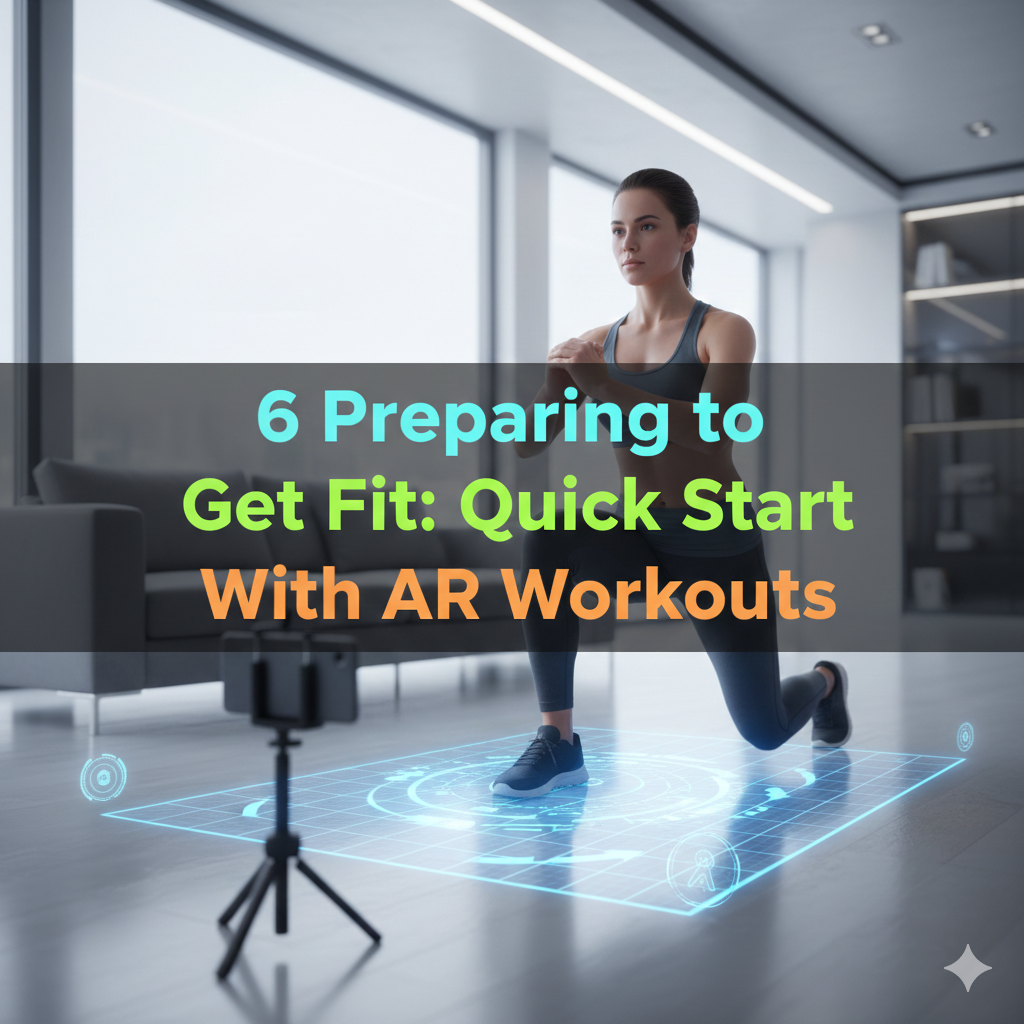
That’s where this 6 Fast AR Fitness Setup Guide comes in, guiding you through six practical, beginner-friendly setups — from the simplest smartphone-based options to more advanced headset experiences. All are quick to implement, simple to follow, and designed for real outcomes.
Let’s get into it.
What AR Fitness Really Is (And Why It Works)
AR fitness is not only fun, though. There’s real science behind why it works.
Your brain releases dopamine — a feel-good chemical — when engaged in a game or interactive setting. That dopamine high causes you to push harder and stay longer. Studies have found that individuals work out up to 40% longer while playing a game than if they were exercising traditionally.
AR also provides you with real-time feedback. Your form, your pace, your heart rate — all of it can be monitored and presented to you as you continue moving. That immediate moment of feedback is powerful. It also helps you stay accountable, but in a good way.
Here’s a quick rundown of how AR fitness stacks up against regular workouts:
| Feature | Traditional Exercise | AR Fitness |
|---|---|---|
| Motivation Level | Willpower | Built into the experience |
| Real-Time Feedback | Rare (without a trainer) | Common |
| Customisation | Limited | Highly flexible |
| Social Engagement | Gyms only | Online + local possible |
| Equipment Needed | Basic to medium | At least a smartphone |
Now that you know why it works, let’s dig into the actual setups.
Setup 1 — Start With Just Your Smartphone and a Free AR App
The Simplest On-Ramp to AR Fitness
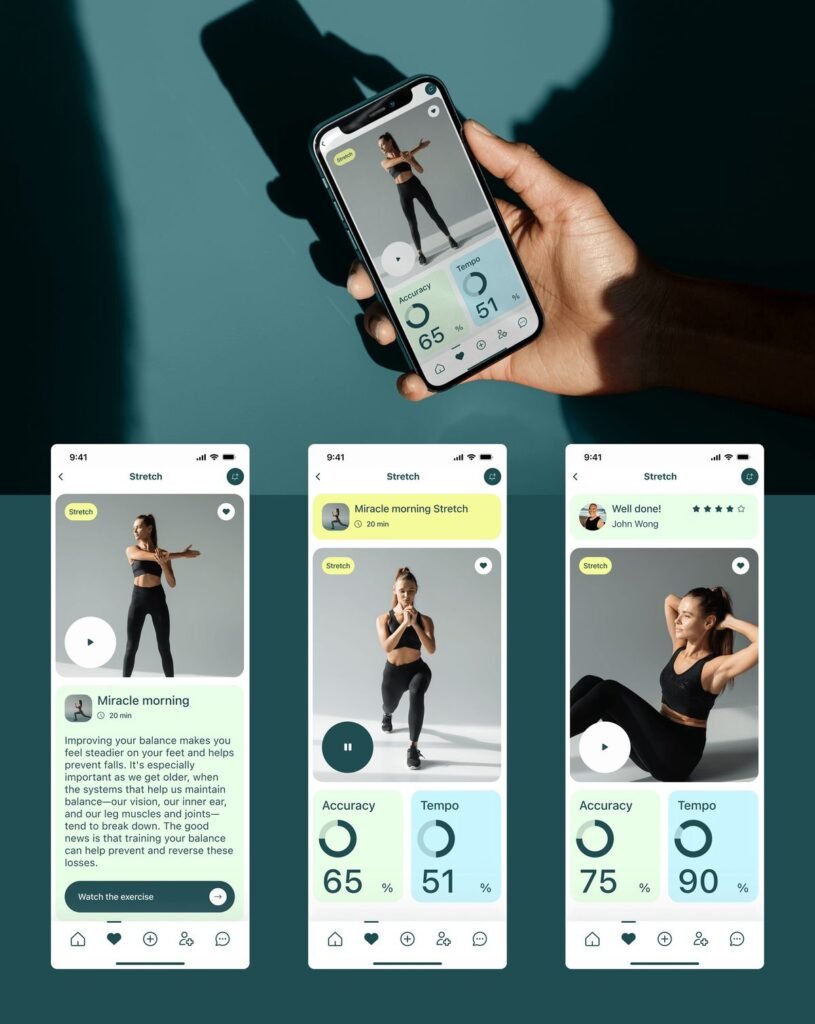
You don’t need expensive equipment to get started. Your phone is an AR device already.
Apps like Zombies, Run!, Pokemon GO, and Just Dance Now use your phone’s camera and GPS to provide movement-based activity. They’re free or low-cost, and they work on most modern smartphones.
Here’s how to dive in under 10 minutes:
Step 1: Download an AR fitness app from the App Store or Google Play. Start with Zombies, Run! if you’re looking for a running-based experience, or Pokemon GO if walking is your jam.
Step 2: Create your profile. Type in your age, weight, and fitness goals. This is what most apps leverage to customize your experience.
Step 3: Put in your earbuds. Audio is a key component of the AR fitness experience, particularly in story-driven apps.
Step 4: Go outside or clear some indoor space. Choose your session and continue following instructions.
Step 5: Finish your initial mission, route, or challenge. Most sessions for beginners are 20–30 minutes long.
How to Get the Most Out of Phone-Based AR Workouts
Charge your phone before every session. Nothing kills a vibe more than a dead battery mid-workout.
Wear a phone armband or clip so your hands are free. In running or HIIT sessions, this is of great importance.
Verify the app’s camera permissions on your phone. AR overlays won’t be usable without camera access.
Setup 2 — Include a Fitness Tracker for Increased Data Intelligence
Why Basic Tracking Isn’t Enough
Your AR app knows when you’re on the move. But it doesn’t always know how hard you’re working.
Combining a fitness tracker — such as a Fitbit, Garmin, or Apple Watch — with your AR app completes the picture. Now, all your heart rate, calories burned, step count, and recovery time are in one place.
This is where your AR fitness routine begins to feel professional.
Connecting Your Tracker to Your AR Fitness App
Most fitness trackers sync with apps over Bluetooth or a third-party platform such as Google Fit or Apple Health. Here’s the general process:
Step 1: Download the companion app for your tracker (such as the Fitbit app, Garmin Connect, etc.).
Step 2: Navigate to your AR fitness app settings and search for “Health & Fitness” or “Connected Devices.”
Step 3: Grant permission to share data between the two apps.
Step 4: Begin a session and observe as both apps simultaneously log your activity.
What You Should Monitor During Your AR Workouts
| Metric | Why It Matters |
|---|---|
| Heart Rate | Shows how hard you’re working |
| Calories Burned | Can aid in weight management |
| Steps / Distance | Helpful for walking and running AR apps |
| Active Minutes | Measures total workout time |
| Recovery Score | Indicates if you are overtraining |
With this data in hand, you can tailor your sessions to fit your goals. Want to burn more fat? Stay in the 60–70% heart rate zone. Want to build endurance? Push into the 75–85% zone.
If you’re looking for more expert tips on optimizing your fitness journey with AR, check out AR Body Health — a great resource for body-focused AR wellness guidance.
Setup 3 — Create an Indoor AR Workout Zone
Transforming Your Living Room Into a Fitness Studio
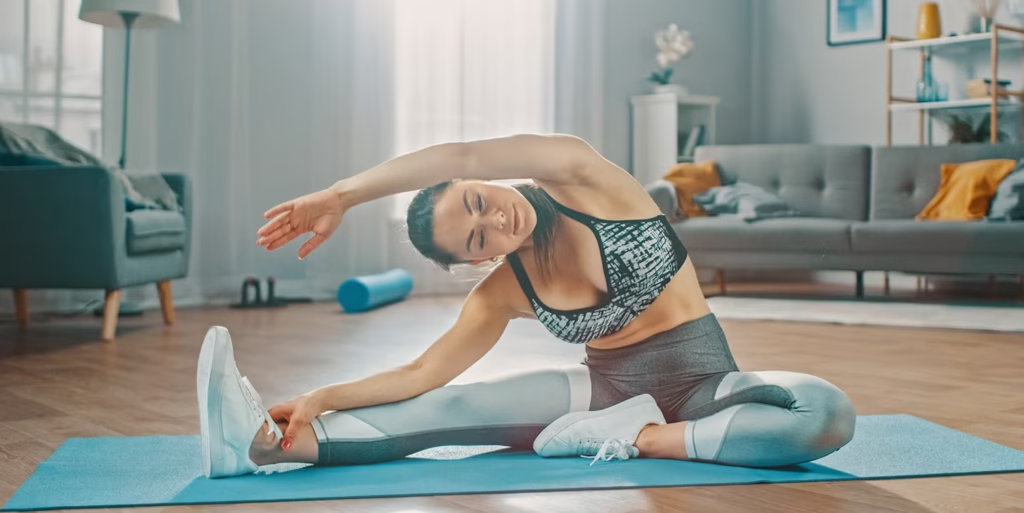
Not everyone wants to exercise outdoors. The good news? AR fitness works indoors too.
All you need is a great setup for your space.
Clearing and Preparing Your Space
Minimum space required: A clear area of at least 6 ft x 6 ft on the floor. More is better.
Clear out furniture, throw rugs with edges you could trip over, and anything fragile within arm’s reach. Good lighting allows your phone or headset to track the movement of your body correctly.
A yoga mat in the middle provides a safe anchor point for your workouts.
Top AR Fitness Apps to Try
FitXR — Compatible with Meta Quest headsets. Features boxing, dance, and HIIT classes set in virtual environments.
Supernatural — Subscription VR/AR workout that offers daily classes in stunning environments.
Nike Training Club with AR features — Uses your phone’s camera to show you form tips while you do strength and cardio sessions.
Holofit — Can be used with cardio equipment such as rowing machines and bikes to superimpose AR scenery on your workout.
Quick Checklist for Indoor AR Fitness Space
- [ ] Open floor space minimum 6 ft x 6 ft
- [ ] Non-slip mat or carpet
- [ ] Phone stand or tripod (for phone-based AR)
- [ ] Bluetooth speaker or headphones
- [ ] Charger nearby for long sessions
- [ ] Natural or overhead lighting (lots of it!)
Setup 4 — Level Up With AR Glasses or a Mixed Reality Headset
When You’re Ready to Move Beyond the Phone Screen
This is where AR fitness becomes really exciting.
Devices such as the Meta Quest 3, Apple Vision Pro, or Microsoft HoloLens project digital content right into your field of vision. You’re not observing a screen — you’re looking through it.
At this level, workouts are a totally different experience. Your living room turns into a boxing ring. The backyard turns into an obstacle course. Your hallway turns into a race track.
What to Consider When Selecting the Best AR/MR Headset for Fitness
| Device | Best For | Price Range | Available Fitness Apps |
|---|---|---|---|
| Meta Quest 3 | All-around workout | $500–$600 | FitXR, Supernatural, Beat Saber |
| Apple Vision Pro | Premium experience | $3,500+ | Growing library |
| Microsoft HoloLens 2 | Advanced training | $3,500+ | Enterprise-focused |
| Rokid Max | Budget AR glasses | $400–$500 | Limited but growing |
The Meta Quest 3 strikes the optimal balance of price, performance, and number of fitness apps for most new users starting out.
Configure Your Headset for Fitness Use
Step 1: Before your first session, charge your headset completely.
Step 2: Use the guardian system to sketch out your safe play area. This prevents you from running into walls.
Step 3: Secure the fit of the headset. It should rest snugly without pressing on your forehead or cheeks. Loose headsets fall off during intense movement.
Step 4: Open the app store on your device and download 1–2 fitness apps prior to your first session.
Step 5: If you are new to VR, start with a shorter 15-minute session to become familiar with moving around while wearing a headset.
Headset Fitness Tips for Beginners
Take breaks every 30–45 minutes. Wearing a headset can strain the eyes, particularly during high-intensity workouts.
Clean the lenses and face pad regularly. Sweat accumulates quickly during intense sessions.
Keep a water bottle within arm’s reach but not in your play zone. You need hydration — not a tripping hazard.
Setup 5 — Build a Weekly AR Fitness Schedule
Why Consistency Will Always Win Over Intensity
Preparing your setup is the first step. But without a plan, even the best AR fitness system gathers digital dust.
Having a structured weekly plan keeps you accountable. It also prevents overtraining by alternating intensity levels across sessions throughout the week.
Sample 7-Day AR Fitness Plan
| Day | Workout Type | Duration | App/Tool |
|---|---|---|---|
| Monday | AR Running/Walking | 30 min | Pokemon GO or Zombies, Run! |
| Tuesday | AR Strength Training | 25 min | Nike Training Club |
| Wednesday | Active Recovery | 20 min | Light walk, stretch |
| Thursday | AR Boxing or Dance | 30 min | FitXR or Beat Saber |
| Friday | AR HIIT Session | 20 min | Supernatural or FitXR |
| Saturday | Outdoor AR Adventure | 45 min | Pokemon GO, Ingress |
| Sunday | Rest or Yoga | Optional | Any relaxation app |
How to Modify the Schedule for Your Fitness Level
Starting out: 3 times a week. Concentrate on Monday, Thursday, and Saturday.
Intermediate: Do the full 6-day plan but shorten each session by 10 minutes.
Advanced: Add a second session on high-energy days, or extend the duration by 15–20 minutes.
Track your progress weekly. At the end of 30 days, evaluate your data and revise the schedule based on how your body is responding.
Setup 6 — Join the AR Fitness Community
There Is Magic in Working Out With Others
Solo workouts are fine. But community workouts? They’re something else entirely.
AR fitness boasts one of the most enthusiastic online communities of any workout style. Reddit forums, Discord servers, Facebook groups, and in-app leaderboards keep you connected with people doing the exact same thing.
Where to Find Your AR Fitness Community
Reddit: Search r/OculusFitness, r/VRGaming, or r/PokemonGO for active communities.
Discord: Nearly all major AR fitness apps have an official Discord server with daily challenges, tips, and support channels.
In-App Leaderboards: Apps like FitXR and Supernatural display global and friend leaderboards for extra motivation to compete with others.
Local AR Events: Games like Ingress and Pokemon GO run real-world community events. Those are ideal for social fitness activities.
According to Healthline’s guide on fitness motivation, social accountability is one of the top factors that keeps people consistent with their workout routines — making community-based AR fitness a powerful tool for long-term results.
Setting Up Friend Challenges in AR Fitness Apps
Most AR fitness apps allow you to add friends and keep track of each other’s progress. Here’s the general process:
Step 1: Register in the app and choose your username.
Step 2: Locate the “Friends” or “Community” tab.
Step 3: Give a friend your username or scan a QR code.
Step 4: Create a challenge — weekly step counts, calorie targets, or workout streaks work great.
Step 5: Review the leaderboard daily and celebrate each other’s successes.
Benefits of Community-Based AR Fitness
Accountability goes through the roof when someone else is watching. Friendly competition takes you outside of your comfort zone. Shared tips help you learn about apps, tricks, and exercises you’d never find on your own. And on hard days, community support keeps you from quitting.
Mistakes You Don’t Want to Make When Trying AR Fitness
Even with a perfect setup, there are some predictable mistakes beginners make. Here’s what to watch out for.
Skipping the warm-up. AR workouts get intense quickly. Five minutes of light movement prior to each session protects your joints and muscles.
Ignoring battery life. It’s annoying and disruptive when your devices die halfway through a session. Charge everything the night before.
Overtraining early. AR is so fun, it’s easy to go overboard. Stick to your plan and honor your rest days.
Using a small space. Even phone-based AR workouts require room to move. Clear your area before every session.
Neglecting real nutrition. AR or not, your body requires fuel. Don’t allow gamification to distract you from eating and drinking right.
FAQs About AR Fitness Setup
Q: Do I need to spend a lot of money for AR fitness? No. There’s no special hardware needed — just a smartphone and a free app. You can buy more gear down the line as you see fit.
Q: Should kids and teens do AR fitness? Most AR fitness apps are great for families. But headsets like the Meta Quest have age recommendations (typically 13+). Always check the device guidelines.
Q: Can AR fitness replace traditional gym workouts? It can supplement or even replace gym workouts for lots of people. AR fitness apps now include cardio, strength, HIIT, yoga, and boxing. The variety is impressive.
Q: How much room do I need for indoor AR fitness? At least 6×6 feet works for most apps. More space means more physical freedom and less risk of bumping into things.
Q: Which AR fitness app is best for beginners? Pokemon GO and Zombies, Run! are great starting points. They’re free, fun, and easy to use without additional gear.
Q: Can I do AR fitness if I have a health condition? You should consult a doctor before beginning any new fitness regimen. AR fitness can be adjusted to low-impact, but a doctor should always be your first call.
Q: When will I see results from AR fitness? On a consistent schedule (4–5 sessions per week), most people feel better energy and endurance in 3–4 weeks. Physical changes are usually visible after 6–8 weeks.
Q: Do AR fitness apps work on all phones? All top AR fitness apps require iOS 13+ or Android 8+. Check the app requirements before downloading.
Wrapping It All Up
AR fitness isn’t a gimmick. It’s a real, scientifically supported method for making movement more enjoyable, more frequent, and more effective.
This 6 Fast AR Fitness Setup Guide gives you everything required to jump-start your journey — from choosing a free smartphone app and rolling out a weekly schedule, to setting up your space, finding the right headset, and connecting with a community that inspires you.
The best part? The six setups don’t have to be done all at once. Start with Setup 1. Get comfortable. Then add layers as you go.
The goal isn’t perfection. The goal is movement — and AR fitness makes more of that easier than ever.
Pick your first setup. Download your first app. And start taking that first step today.